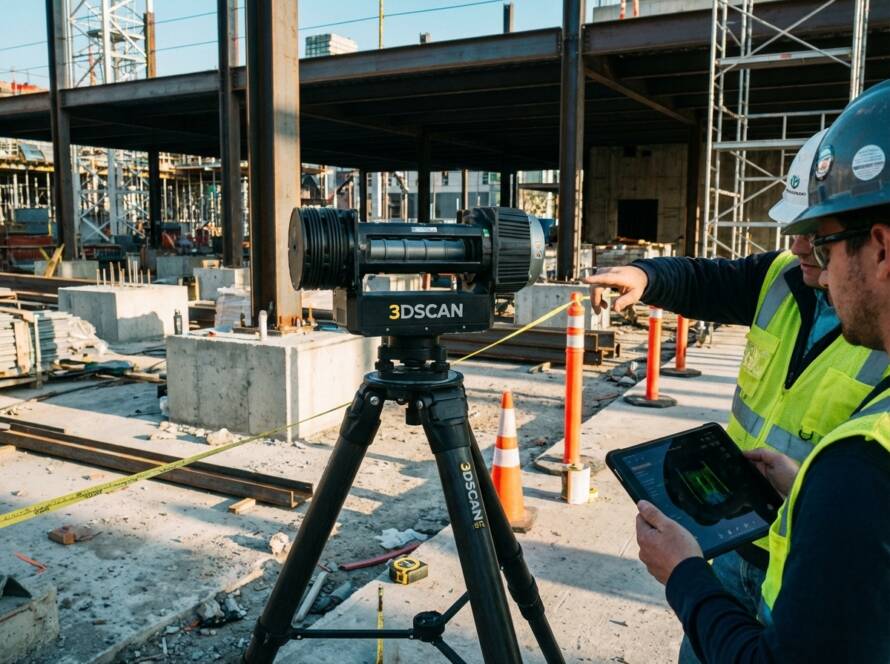
Reverse Engineering vs. Designing from Scratch: When Scan-to-CAD Wins
Starting a CAD model from scratch can cost you weeks of trial and error when a physical part already holds the answers. Reverse engineering with scan-to-CAD cuts that timeline sharply by turning precise 3D scanning data into accurate, parametric CAD models. If you’re managing legacy parts or obsolete tooling in St. Louis, this approach reduces risk and speeds delivery. Let’s explore when scan-to-CAD workflows outperform traditional design from a blank screen.
Reverse Engineering vs. Designing from Scratch
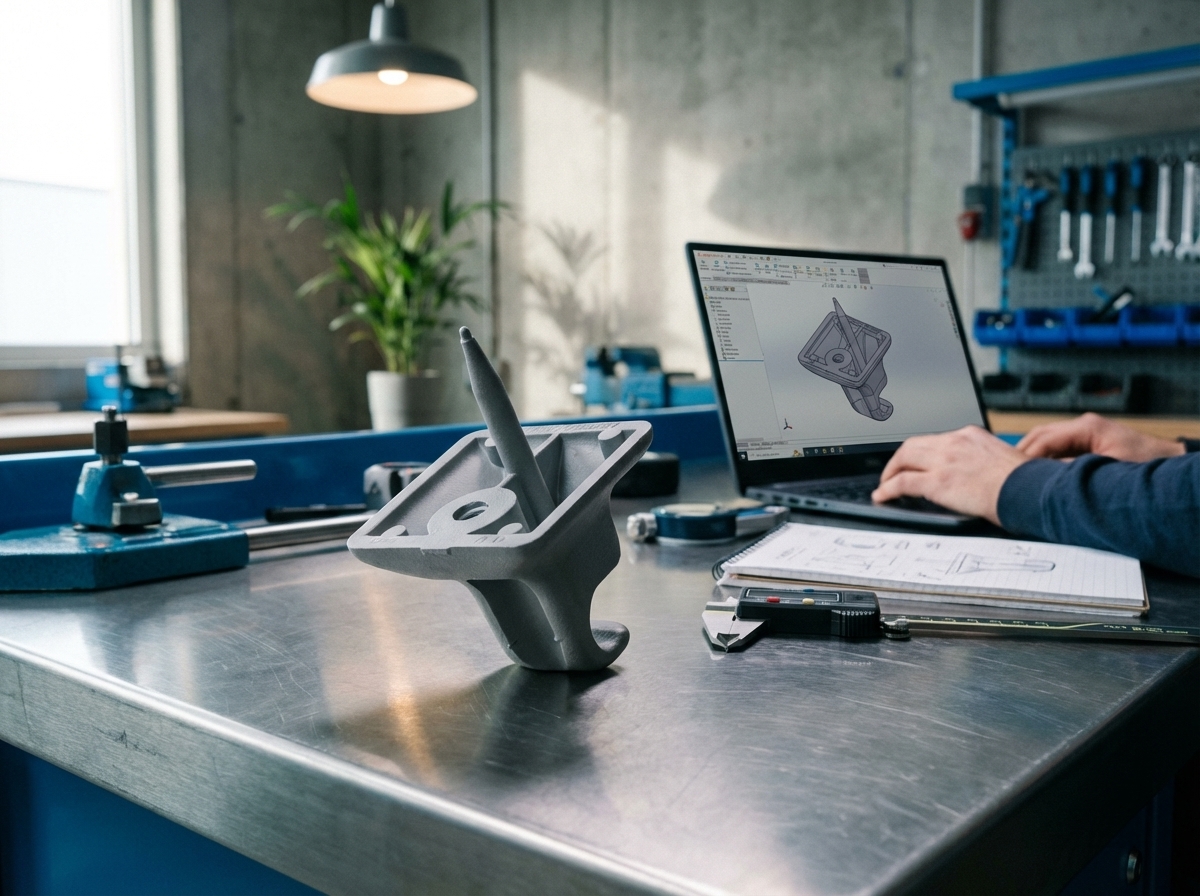
Understanding the fundamental differences between reverse engineering and traditional design is crucial. Each approach offers distinct advantages depending on your project needs.
Key Differences in Approach
When you start designing from scratch, you’re blank-slating your ideas. You conceptualize and build from the ground up. But when you reverse-engineer, you start with an existing object or part. This method allows you to capture its exact dimensions and intricate details.
In reverse engineering, you utilize a precise digital copy created by 3D scanning the part. This scan becomes a comprehensive digital twin of the object. You can then convert this data into a CAD model using scan-to-CAD technology. The Artec Leo and Artec Ray II scanners, known for their accuracy, play a significant role here.
Benefits of Reverse Engineering
Reverse engineering offers substantial benefits over starting from scratch. One major perk is speed. By scanning existing parts, you save time on design and prototyping. The parametric CAD models you create are accurate and ready for immediate use.
Another advantage is risk reduction. With reverse engineering, you can verify that parts meet specifications before production. This step minimizes errors and ensures quality. Moreover, using reverse engineering helps you manage obsolete tooling effectively, extending the life of aging parts.
Understanding Scan-to-CAD Workflow
The scan-to-CAD workflow is a streamlined process. It begins with scanning the physical object to create a point cloud. This cloud consists of thousands of data points representing the object’s surface. Next, you transform this point cloud into a mesh to CAD model.
This transformation involves several steps: capturing surface details, defining features, and constructing a parametric model. The final output is a feature-based model that’s ready for production. This workflow simplifies converting complex shapes into CAD-ready formats like STL to STEP or IGES.
When Scan-to-CAD Wins
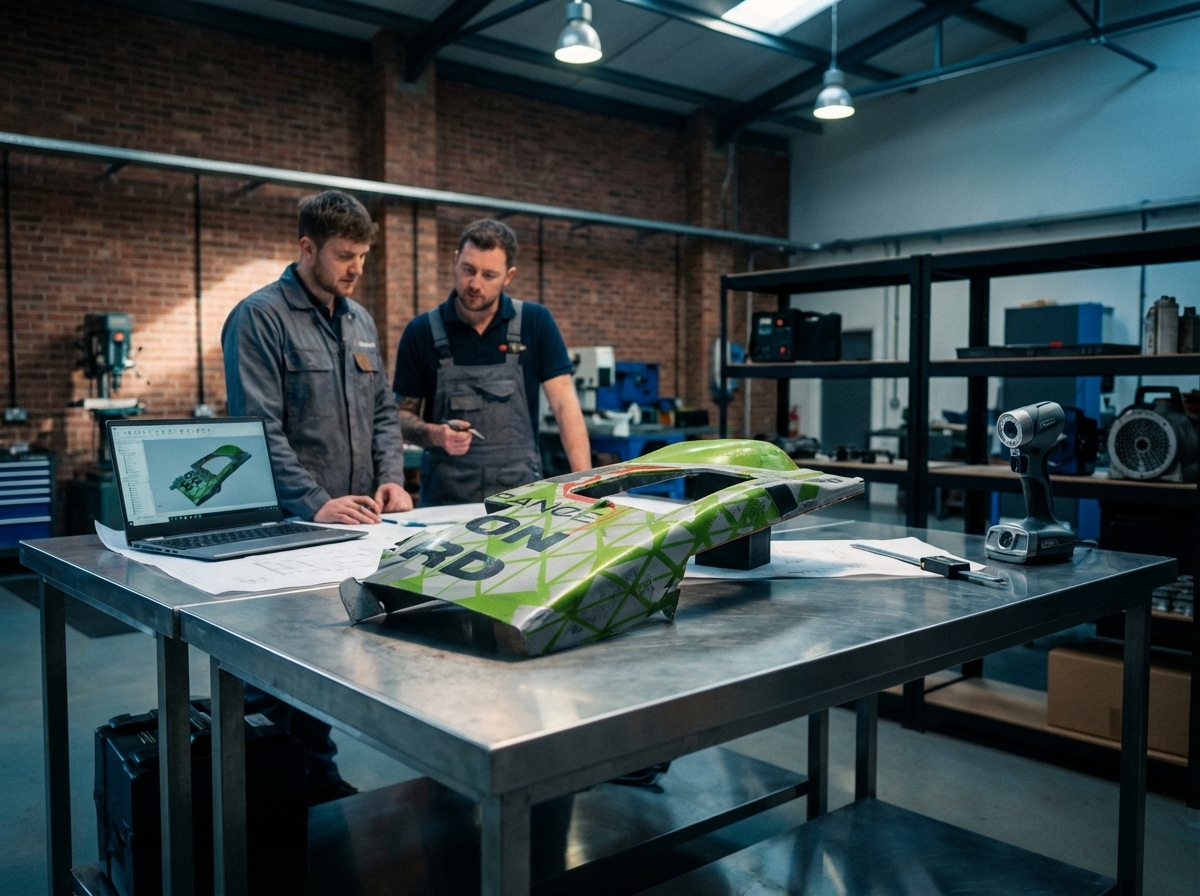
Knowing when to choose scan-to-CAD over traditional methods can boost your project’s success. Various indicators suggest when this method is advantageous.
Real-World Indicators for Success
You might wonder when scan-to-CAD is the better choice. If you’re dealing with legacy parts or need to replicate an existing component, scan-to-CAD is ideal. It excels in projects where precise measurements of existing items are crucial.
Consider the automotive and aerospace industries. They frequently use scan-to-CAD to replicate intricate parts. This process ensures parts fit perfectly and function as required. Moreover, when parts are no longer in production, reverse engineering becomes essential.
Faster and More Accurate Outcomes
Scan-to-CAD speeds up the design process remarkably. With a clear digital twin, you eliminate guesswork. This precision results in quicker production cycles.
Studies show that using 3D scanning can reduce design time by up to 50%. The accuracy of industrial 3D scanning ensures that every detail is captured. This accuracy translates into fewer errors and reduced material waste during manufacturing.
Lower-Risk Project Management
Managing projects is easier with scan-to-CAD. The detailed models minimize risks associated with design flaws. You can conduct thorough deviation analysis to compare the digital model with the original part.
These checks ensure that all dimensions align perfectly, reducing the risk of costly production errors. Quality inspection becomes more efficient, leading to better overall outcomes for your projects.
Choosing the Right Partner for Scan-to-CAD
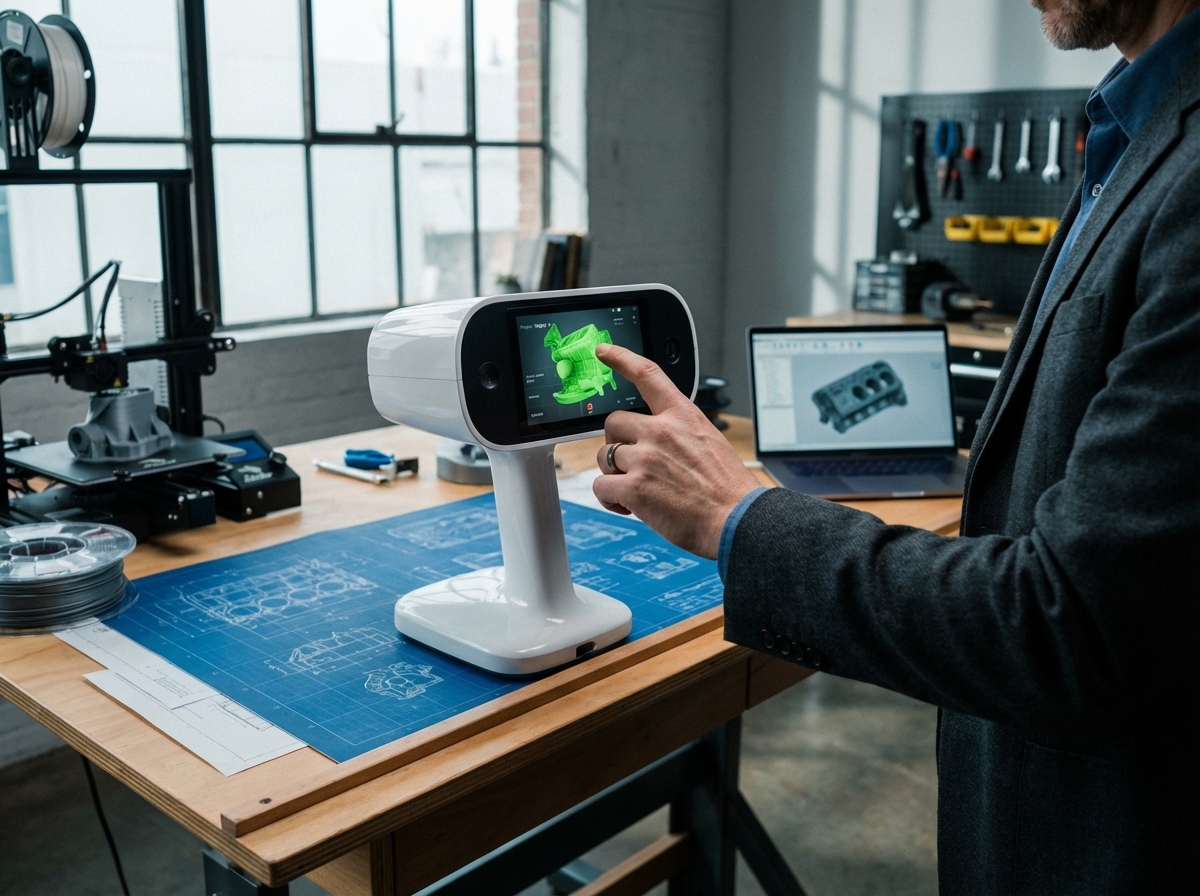
Selecting a partner who excels in scan-to-CAD is vital. The right partner will enhance your project’s success through precision and local expertise.
Evaluating Precision and Capabilities
Precision is non-negotiable in scan-to-CAD. When evaluating service providers, ask about their equipment. Do they use high-end scanners like the ScanTech SimScan E? The quality of the scanners directly impacts the accuracy of your scans.
Check their expertise in handling projects similar to yours. Whether it’s automotive 3D scanning or aerospace 3D scanning, their experience should match your needs.
Importance of Local 3D Scanning Services
Choosing local services offers significant advantages. With local 3D scanning services, you benefit from face-to-face consultations and faster response times.
They understand the regional market nuances and can offer tailored solutions. Moreover, local providers offer cost savings by eliminating shipping delays and costs.
How 3D Scan STL Delivers Excellence
3D Scan STL stands out as a leader in precision scanning. They utilize state-of-the-art equipment like the Artec Leo and Artec Ray II. These tools ensure you receive top-quality digital models.
Their expertise covers various industries, from midwest 3D scanning for industrial applications to detailed BIM integration for construction projects. With a strong regional presence, they guarantee quick service and reliable results.
In conclusion, reverse engineering with scan-to-CAD offers a faster, more accurate, and lower-risk alternative to designing from scratch. By understanding when to leverage this technology and choosing the right partner, you can drive your projects to success and gain a competitive edge.